Integrations
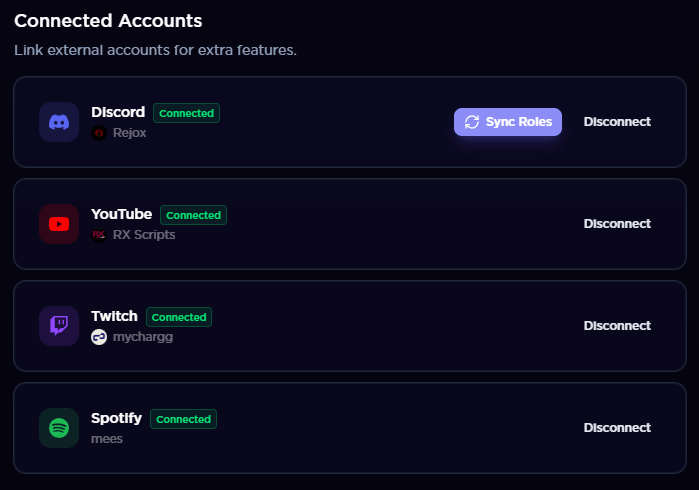
Overview of platform integrations: Discord on every plan, YouTube and Twitch on Pro and Elite, each connected through the platform's OAuth flow.
mychar.gg supports integrations with popular platforms so you can showcase your content directly on your profile. Discord is available on every plan. YouTube and Twitch require Pro or Elite.
Available Integrations
- Discord - Display your Discord profile, badges, and presence
- YouTube - Show your channel, latest videos, or pinned videos Pro
- Twitch - Show your channel, live status, clips, and schedule Pro
- Spotify - Currently unavailable (on hold)
How Integrations Work
- Go to Settings from your dashboard sidebar
- Find the integration you want to connect
- Click Connect and authorize via the platform's OAuth flow
- Once connected, toggle the integration's section on or off in the builder
- Customize what's displayed using the integration's settings in the builder
Each integration only requests the minimum permissions needed. mychar.gg cannot perform actions on your behalf beyond what's listed on each integration's page.
Claim your username
Free forever. Your page is live in minutes.
mychar.gg/
mia
- Free forever
- No credit card needed