Achievements
Achievements are badges that appear on your mychar.gg profile. Some can be claimed by completing specific actions, while others are granted by admins for special recognition.
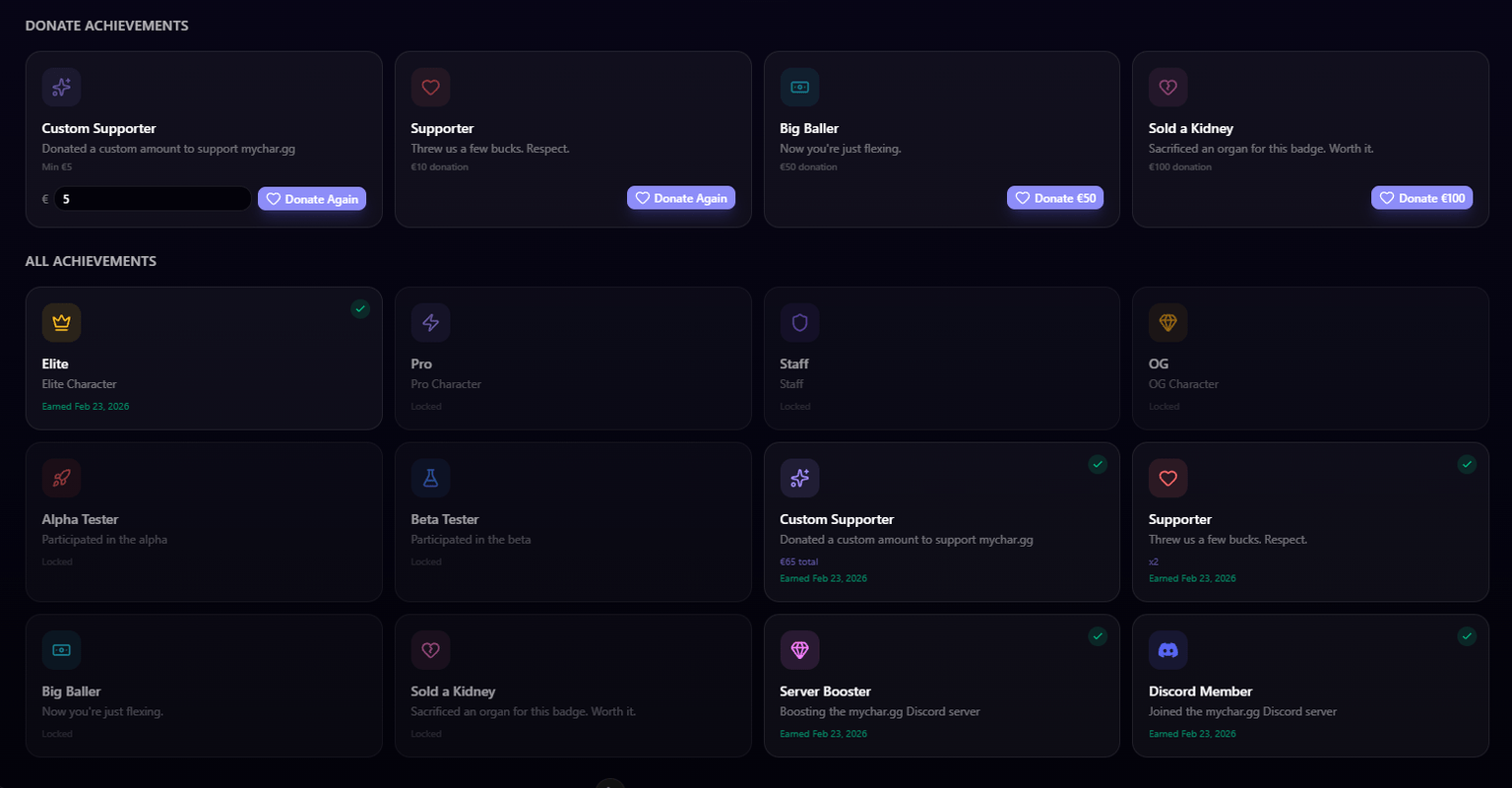
Viewing Achievements
Go to Achievements from your dashboard sidebar to see all available achievements. Each one shows:
- Name and icon
- Description of what the achievement represents
- How to unlock it
- Whether you've already claimed it
Types of Achievements
Discord Member
Verify that you're a member of the mychar.gg Discord server. Connect your Discord account first, then claim this achievement from the achievements page.
Discord Booster
Verify that you're actively boosting the mychar.gg Discord server. Requires a connected Discord account and an active server boost.
Donation Achievements
Support the platform by making a donation via Stripe. Some donation achievements have a fixed amount, while others let you choose a custom amount. Payment is processed securely through Stripe.
Admin-Granted Achievements
Special achievements that are manually awarded by the mychar.gg team for outstanding contributions, events, or other recognition.
Claiming an Achievement
- Go to Achievements from your dashboard
- Find an achievement you're eligible for
- Click Claim
- For Discord achievements, your membership/boost status is verified automatically
- For donation achievements, you'll be directed to a secure payment flow
Displaying Achievements
Claimed achievements appear on your public profile. You can:
- Toggle visibility: Show or hide individual achievements
- Reorder: Drag achievements to set their display order
Only achievements you choose to show will be visible to visitors.
Claim your username
Free forever. Your page is live in minutes.
- Free forever
- No credit card needed